 Buckets
Private
Everything stays on your phone. No account, no ads, and your data is never sold.
Keep a copy of your buckets
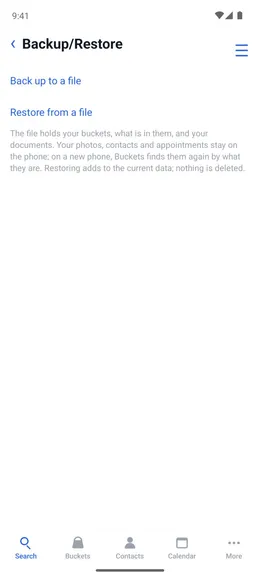
Menu ☰ → Utilities → Backup/Restore
- Tap “Back up to a file” and send it to Drive, email, or a computer.
- The file holds your buckets and their contents. Your photos and contacts stay on the phone.
- On a new phone, use “Restore from a file”. It adds missing data and removes nothing.