 Buckets
Search by relationship
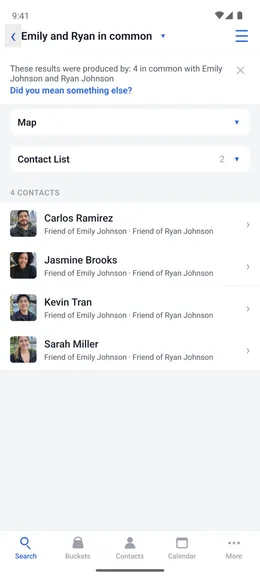
On Daniela's card, add Priya as her employer. Priya's card then lists Daniela as an employee. Search "Ryan's sisters", "David's family" or "my coworkers". Search "Carlos and Sarah in common" to see who is connected to both, and how.
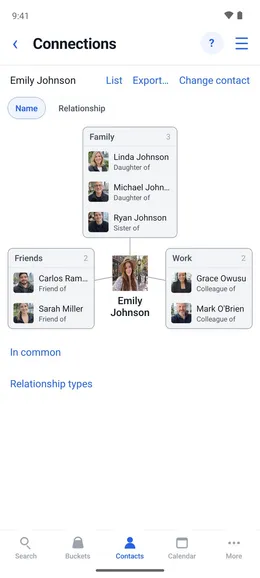
Record how two contacts are related
Menu ☰ → Contacts → the contact → Connections
- Tap “Add a connection”, pick the other contact and the relationship: Nicky, employee of Pookie.
- Tap Done. Pookie’s card now lists Nicky as an employee.
- Search by relationship: “Min’s sisters”, “Jim’s family”, “my coworkers”.
- Enter “Emily and Ryan in common” to see everyone connected to both of them, and how.