 Buckets
Calendar
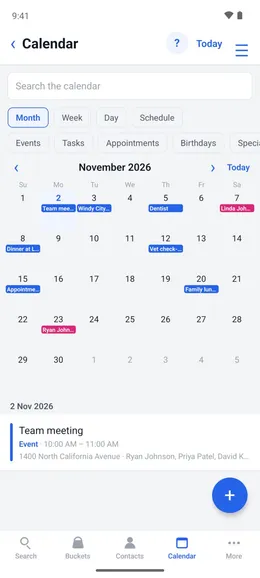
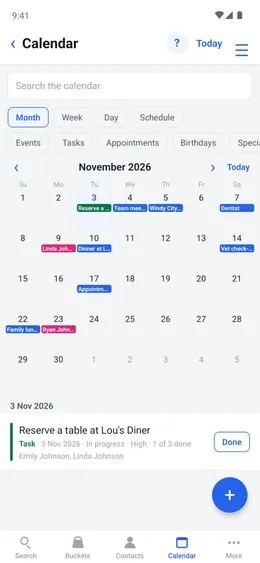
Events, appointments, tasks and reminders, saved in the app and the phone's native calendar.
Views
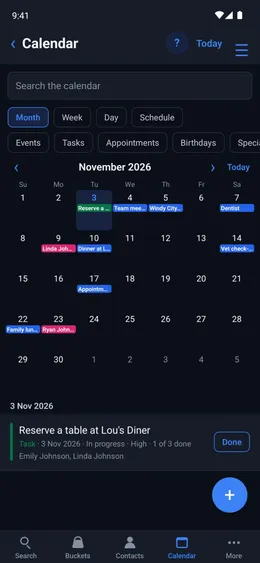
Month, week, day or a schedule of what is coming up. Show only events, tasks, appointments, birthdays or special dates.
Menu ☰ → Calendar
- Tap Month, Week, Day or Schedule.
- Tap a kind of entry to show only those.
- To find an entry, tap Search the calendar and enter a word in it.
Events and appointments
An event or appointment has a time, a place, the contacts on it and reminders.
Menu ☰ → Calendar → +
- Choose Event or Appointment.
- Enter the title, the times and the location.
- Add as many reminders as you want.
Repeats
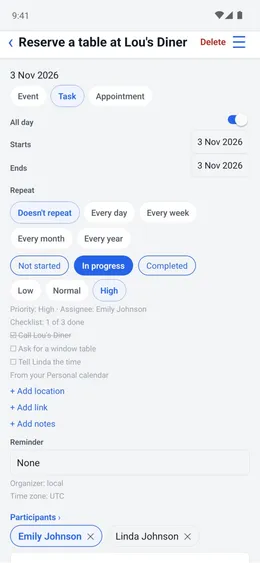
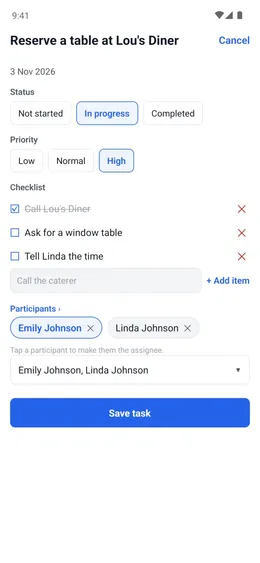
An entry can repeat every day, week, month or year.
The entry
- Under Repeat, tap how often the appointment repeats.
Invitations
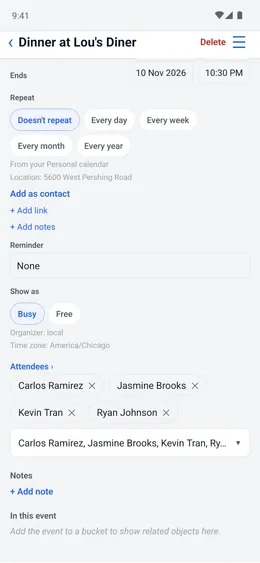
Invite contacts, or everyone in a bucket, by email, WhatsApp, LINE or SMS.
Menu ☰ → Calendar → +
- Tap “+ Add contacts” and select the people, or a bucket.
- Write the invitation, then use ☰ to send it.
Birthdays and special dates
Birthdays and other dates on a contact's card are on the calendar every year.
Menu ☰ → Contacts → the contact → Important dates
- Tap + Add a date.